
Centralized endpoint management across multiple operating systems.
Manage Android, Windows, and Linux endpoints from one centralized platform with consistent policies, application control, operational visibility, and security management.

- Enrolling to Vanguard server
- Validating Device ID
- Configuring policy
- Complete
One Platform. Different Endpoint Environments.
Vanguard UEM brings Android, Windows, and Linux endpoint management into one platform while providing capabilities designed for the requirements of each operating system.

Android Mobile Device Management
Manage corporate-owned, personal, and dedicated Android devices across different deployment scenarios, policies, applications, security requirements, and operational needs.

Windows Endpoint Management
Centralize software deployment, device policies, inventory, security visibility, and remote administration for Windows endpoints.

Linux Endpoint Management
Manage applications, inventory, policies, and remote administration for Linux endpoints through the same centralized environment.
Centralized Capabilities for Endpoint Management

Endpoint Provisioning & Enrollment
Register and prepare endpoints for centralized management using deployment methods suited to each supported platform.

Application Management
Deploy, configure, update, restrict, and monitor business applications across managed endpoints.

Policy & Configuration Management
Apply device, system, network, application, and security configurations according to organizational requirements.

Security & Data Protection
Apply security controls to reduce unauthorized access, configuration changes, and data movement.

Monitoring & Operational Visibility
Maintain visibility into devices, applications, usage, system health, connectivity, and operational status.

Remote Administration & Support
Troubleshoot endpoints and perform administrative actions remotely without requiring physical access.
Everything IT teams need.
From application distribution and inventory to remote administration and secure configuration — managed from one platform, across Android, Windows, and Linux.





Deploy and manage approved applications centrally, including application distribution through the Vanguard App Store.
- Model
- SM-A066B
- Brand
- samsung
- Android Version
- 16
- Group
- Fully Managed
- Subscription
- Advanced Edition
- Vanguard Version
- 2.9.17.2 (146)
Actions
Hardware Info
- Brand
- samsung
- Model
- SM-A066B
- Manufacturer
- samsung
- Serial Number
- DEMO-SERIAL-001
- Device Identifier
- DEMO-DEVICE-001
- Hardware Base
- mt6835
- Base Band
- A066BXXS5BZB4
| Name | Package Name | Type | Version Code | Version Name | State |
|---|---|---|---|---|---|
| Aksesibilitas | com.samsung.accessibility | SYSTEM | 1700032000 | 17.0.00.32 | - |
| Android Switch | com.google.android.apps.restore | SYSTEM | 1131223 | 1.0.968680808 | - |
Application Screentime (Daily Average)
RAM % (Daily)
Storage % (Daily)
Log Tasks
| Created | Executed | Task | Status |
|---|---|---|---|
| 25/09/2026 11:37:25 | 25/09/2026 11:37:26 | Play Integrity Verdict | FAILED |
| 25/09/2026 10:37:25 | 25/09/2026 10:37:26 | Inventory Sync | COMPLETED |
| 25/09/2026 09:37:25 | 25/09/2026 09:37:26 | Policy Refresh | COMPLETED |
| 25/09/2026 08:45:00 | 25/09/2026 08:45:01 | Application Check | COMPLETED |
| 25/09/2026 07:37:25 | 25/09/2026 07:37:26 | Play Integrity Verdict | FAILED |
| 25/09/2026 06:17:01 | 25/09/2026 06:17:02 | Bulk Data Usage | COMPLETED |
Log Events
| Time | Device Time | Event | Data |
|---|---|---|---|
| 25/09/2026 12:32:56 | 25/09/2026 12:19:25 | device_performance | {"battery_temperature":"38.6","memory_usage":"47.8"} |
| 25/09/2026 11:37:31 | 25/09/2026 11:37:31 | sync | {"status":"complete","last_sync":"device-01"} |
| 25/09/2026 11:37:26 | 25/09/2026 11:37:26 | appinfo | {"applications":"6","profile":"managed"} |
| 25/09/2026 11:37:25 | 25/09/2026 11:37:25 | deviceinfo | {"battery":"61","charging":"true"} |
| 25/09/2026 10:37:28 | 25/09/2026 10:37:28 | location | {"accuracy":"100","source":"fused"} |
| 25/09/2026 10:37:26 | 25/09/2026 10:37:26 | sync | {"status":"complete","last_sync":"device-01"} |
Contacts
| Phone Number | Contact Name | Total |
|---|---|---|
| masked-number-01 | contact-1 | 1 contact |
| masked-number-02 | contact-2 | 1 contact |
| masked-number-03 | contact-3 | 1 contact |
| masked-number-04 | contact-4 | 1 contact |
| masked-number-05 | contact-5 | 1 contact |
| masked-number-06 | contact-6 | 1 contact |
Certificates
| Certificate | Issuer | Status | Expires |
|---|---|---|---|
| Android Enterprise | Vanguard CA | VALID | 2027-09-25 |
| Vanguard Agent | Vostra Device CA | VALID | 2027-04-18 |
| Work Profile | Enterprise CA | VALID | 2027-06-12 |
| Network Trust | Managed Root CA | VALID | 2028-01-30 |
| VPN Profile | Vanguard CA | VALID | 2027-11-04 |
| Device Attestation | Android Services | VALID | 2027-09-25 |
Type "connect" to start remote terminal connection. "help" to get a supporting command list.
—System Connecting...
Device Connected
system working directory "/sdcard/"
van@remote sdcard %
Files
| Name | Size | Type | Modified |
|---|---|---|---|
| .thumbnails | 2.4 MB | Folder | Today, 10:31 |
| .database_uuid | 36 Bytes | System file | Today, 10:30 |
| .nomedia | 0 Bytes | System file | Today, 10:30 |
| device-01-report.pdf | 184 KB | Document | Yesterday, 16:08 |
| managed-assets | 12.8 MB | Folder | Yesterday, 14:21 |
| policy-export.json | 8 KB | Configuration | Sep 23, 09:12 |
Call Log
| Number | Peer Number | Type | Call Start | Call End | Duration |
|---|---|---|---|---|---|
| masked-number-01 | masked-number-11 | INCOMING | 09:12:04 | 09:14:22 | 02:18 |
| masked-number-02 | masked-number-12 | OUTGOING | 08:44:10 | 08:46:05 | 01:55 |
| masked-number-03 | masked-number-13 | MISSED | Yesterday, 17:30 | — | — |
| masked-number-04 | masked-number-14 | INCOMING | Yesterday, 14:18 | 14:20:44 | 02:44 |
| masked-number-05 | masked-number-15 | OUTGOING | Yesterday, 10:02 | 10:03:31 | 01:31 |
| masked-number-06 | masked-number-16 | MISSED | Sep 23, 16:45 | — | — |
Maintain visibility into hardware, installed software, memory, storage, network information, temperature, and open ports.
Use remote control, terminal access, synchronization, and remote device actions to administer your endpoints.
Device Restrictions
- Disable Adding or Modifying Accounts
- Mute Microphone
- Mute Master Volume
- Microphone Always on
- Force Time Setting to Auto
- Prevent Changing The Wallpaper
- Prevent Adjusting Device Volume
- Prevent Adjusting Screen Brightness
- Disable Keyguard
- Disable Status Bar
- Disable Camera Access
- Skip First Use Hints
- Disallow Create Windows
- Disallow System Error Dialogs
Screen Timeout
System Update Policy
Location Policy
Location Setting
- Disable Force Location Accuracy
- Set timezone manually
Location History
Location Detection Mode
Scheduler (Minute)
Fake GPS Detection
- Show Ongoing Notification
- Suspend Application
Apply supported system, network, certificate, and endpoint configuration controls from the centralized platform.
Device List
| Device | Device Identifier | Last Connect | Status | Group | Battery | Model | Subscription |
|---|---|---|---|---|---|---|---|
| Field Unit 01 | ID-****-3287 | 2 min ago | Online | Fully Managed | 91% | Galaxy A-Series | Advanced |
| Sales Tablet 02 | ID-****-6619 | 11 min ago | Online | Fully Managed | 64% | Android Tablet | Advanced |
| Ops Phone 03 | ID-****-1407 | 20 min ago | Attention | Operations | 48% | Pixel A-Series | Standard |
| Office Laptop 04 | ID-****-4526 | 1 hour ago | Online | Corporate | 78% | Windows Laptop | Advanced |
| Kiosk Device 05 | ID-****-0212 | 1 day ago | Offline | Dedicated | 25% | Managed Kiosk | Standard |
Maintain visibility into hardware, software, system resources, network configuration, security status, and connected assets.
Built for Real-World Endpoint Management
From distributed workforces and dedicated devices to corporate laptops and large-scale deployments, Vanguard UEM supports different endpoint environments and operational requirements.
Distributed & Frontline Workforce
Manage devices used by sales teams, technicians, drivers, and other field employees across different locations with centralized policies, applications, monitoring, and remote support.
Dedicated & Kiosk Operations
Lock company-owned Android devices to approved applications and specific operational functions for POS, counters, shared devices, and other dedicated workflows.
BYOD & Work Profile Management
Enable employees to use personal or company-owned Android devices while separating work and personal environments and keeping corporate applications and data under organizational control.
Corporate Laptop & Endpoint Governance
Standardize and secure company-managed Windows and Linux endpoints with centralized application control, device policies, inventory, monitoring, and remote administration.
Large-Scale Device Deployment
Deploy and standardize large numbers of company devices with automated enrollment, applications, policies, and configurations from the first startup.
Why Organizations Choose Vanguard UEM?

Flexible Device Models
Support different ownership, deployment, and operational scenarios across supported endpoint environments.

Granular Control
Apply detailed application, device, network, security, and operational controls according to business requirements.

Integration & Customization
Extend Vanguard capabilities through APIs and integration options for enterprise systems and specific operational needs.

In-House Product & Support Team
Vanguard is developed and supported by Vostra’s in-house product and technology team in Indonesia.
Built Within Trusted Enterprise Technology Ecosystems
Android
Android Enterprise RecommendedRecognized as an Android Enterprise Recommended EMM solution and listed in the Android Enterprise Solutions Directory.
Android
Samsung Knox Partner SolutionListed within the Samsung Knox partner ecosystem under Enterprise Mobility Management.
Windows
Microsoft-Signed Windows Driver
Vanguard Windows Management uses a driver submitted through the Microsoft Windows Hardware Developer Program and signed through the Attestation Signing process.
Supporting Company Credentials
Vostra participates in the Android Enterprise partner ecosystem as a Silver Partner.
Vostra is certified by CBQA Global for its Information Security Management System covering product development and service operation.
Highlights & latest news.
The latest milestones and updates from Vanguard UEM.
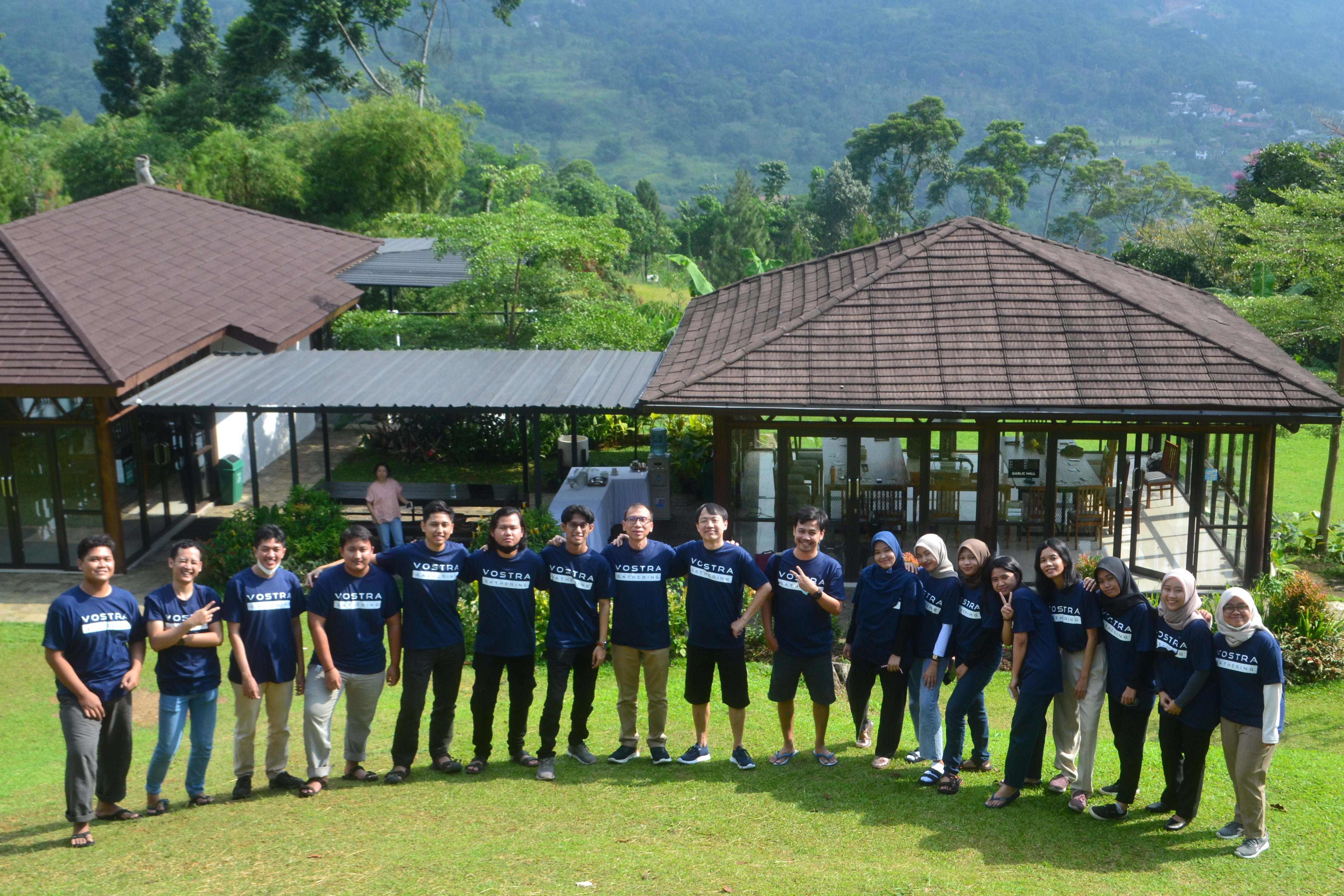
Building More Reliable Enterprise Technology Operations
A practical look at how visibility, ownership, and consistent operating processes help technology teams improve reliability at scale.
Endpoint Management Beyond Device Inventory
Modern endpoint management connects inventory with policy, application control, security, and remote operational support.
Turning Endpoint Risk Signals into Clearer Priorities
Security findings become easier to manage when teams connect exposure, severity, device context, and remediation priorities.
From Shared Inbox to Structured Service Operations
Centralized requests, ownership, SLA visibility, and reporting can turn fragmented support activity into a measurable workflow.
Connecting IT Strategy, Architecture, and Governance
Technology direction becomes actionable when strategy, target architecture, governance, and execution planning evolve together.
Vostra Product and Company Update
A preview of the product milestones, partnerships, and company updates that will be shared through Vostra Insights.
Manage Your Endpoints with Greater Control
See how Vanguard UEM can support your Android, Windows, and Linux endpoint environment.
Frequently asked questions.
Which operating systems does Vanguard UEM support?
Vanguard UEM manages Android, Windows, and Linux endpoints from one centralized platform — with capabilities designed for the requirements of each operating system.
What Android deployment scenarios are supported?
Vanguard UEM supports flexible management for different Android deployment models — including company-owned (COBO), dedicated/kiosk, BYOD, and work profile on company-owned devices (WPCOD).
How are applications distributed to devices?
Applications are deployed and managed centrally, including distribution through the Vanguard App Store, with control over updates, restrictions, and configuration.
Can devices be administered remotely?
Yes. Vanguard UEM provides remote control, terminal access, synchronization, and remote device actions so you can troubleshoot and manage endpoints without physical access.
How does Vanguard UEM support security and compliance?
Vanguard UEM applies system, network, certificate, and endpoint configuration controls, and maintains visibility into hardware, software, security status, and connected assets from one platform.